


I coach in the gym
- Write the plan once and stop rebuilding it for the next person it fits
- Keep the record attached to the client instead of a notebook you have to find
- Walk into the session already knowing what happened since the last one
For coaches
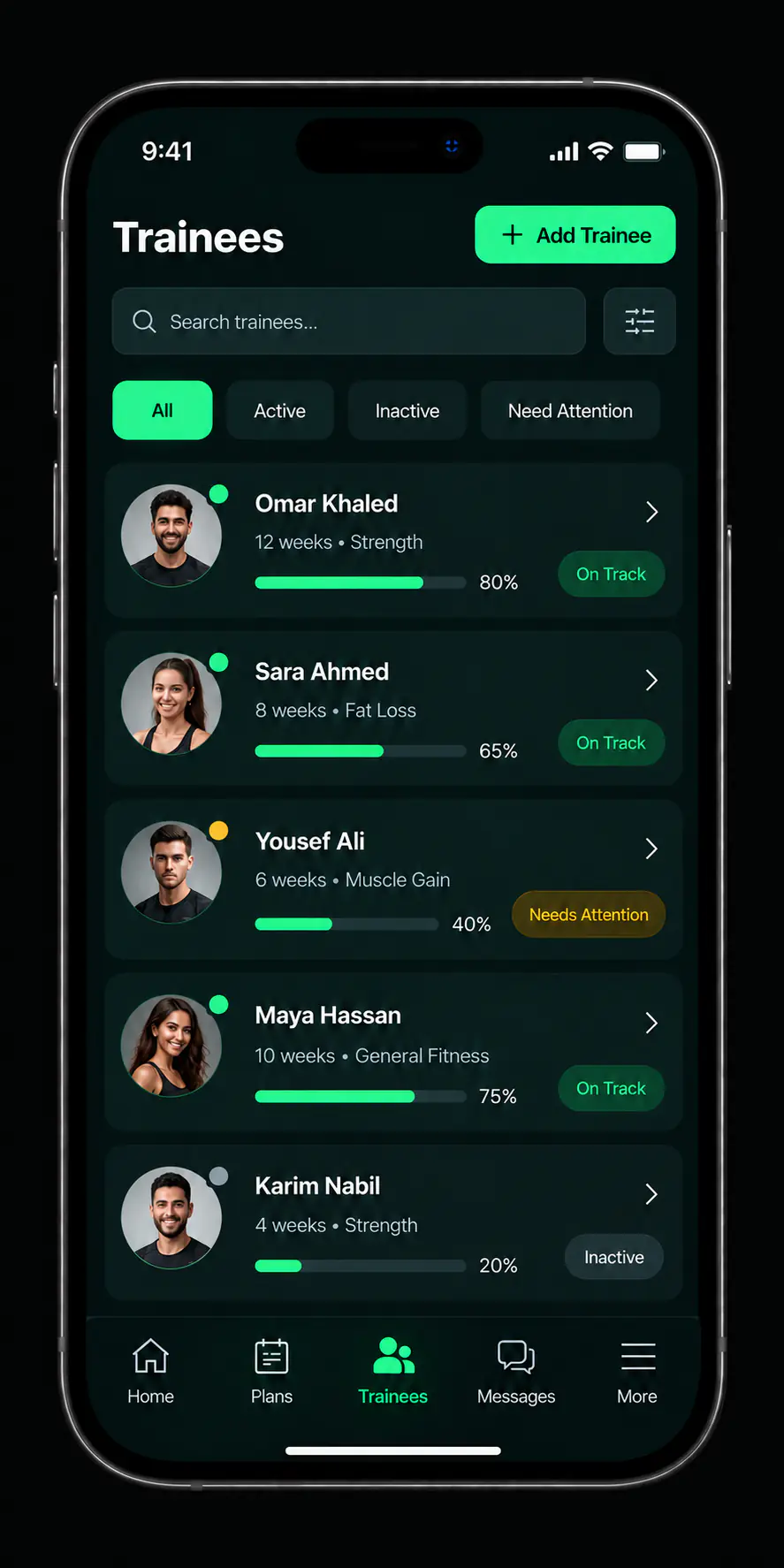
One list for everyone you coach, a library of plans you can reuse, and follow-up that tells you who kept up. The admin stops living in a spreadsheet next to a folder of chat threads.
The same list serves both. Start from the one that sounds like your week.
Most coaches do not run out of coaching ability. They run out of evenings.
Each one has a page explaining how you use it.

Your roster, each client with their profile, their plan, and their status.
Client management: Your roster, each client with their profile, their plan, and their status.
Ordered days and exercises, built once and assigned as often as they fit.
Workout plans: Ordered days and exercises, built once and assigned as often as they fit.
Meals and dietary guidance built and assigned alongside the training plan.
Nutrition plans: Meals and dietary guidance built and assigned alongside the training plan.
Completion and direction across everyone you follow.
Progress tracking: Completion and direction across everyone you follow.A coach following ten people needs an order to the work, not a pile of separate chat threads.
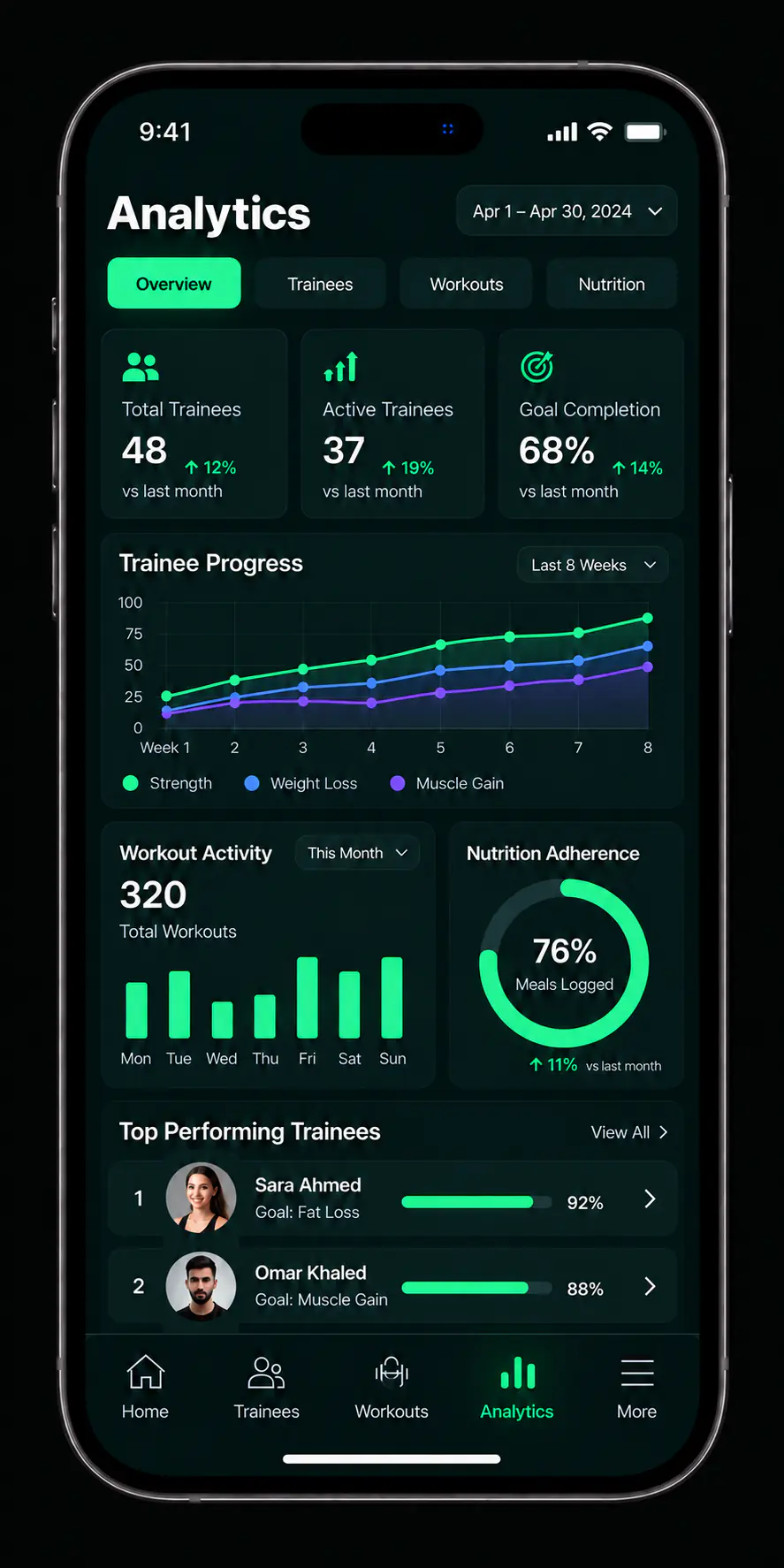
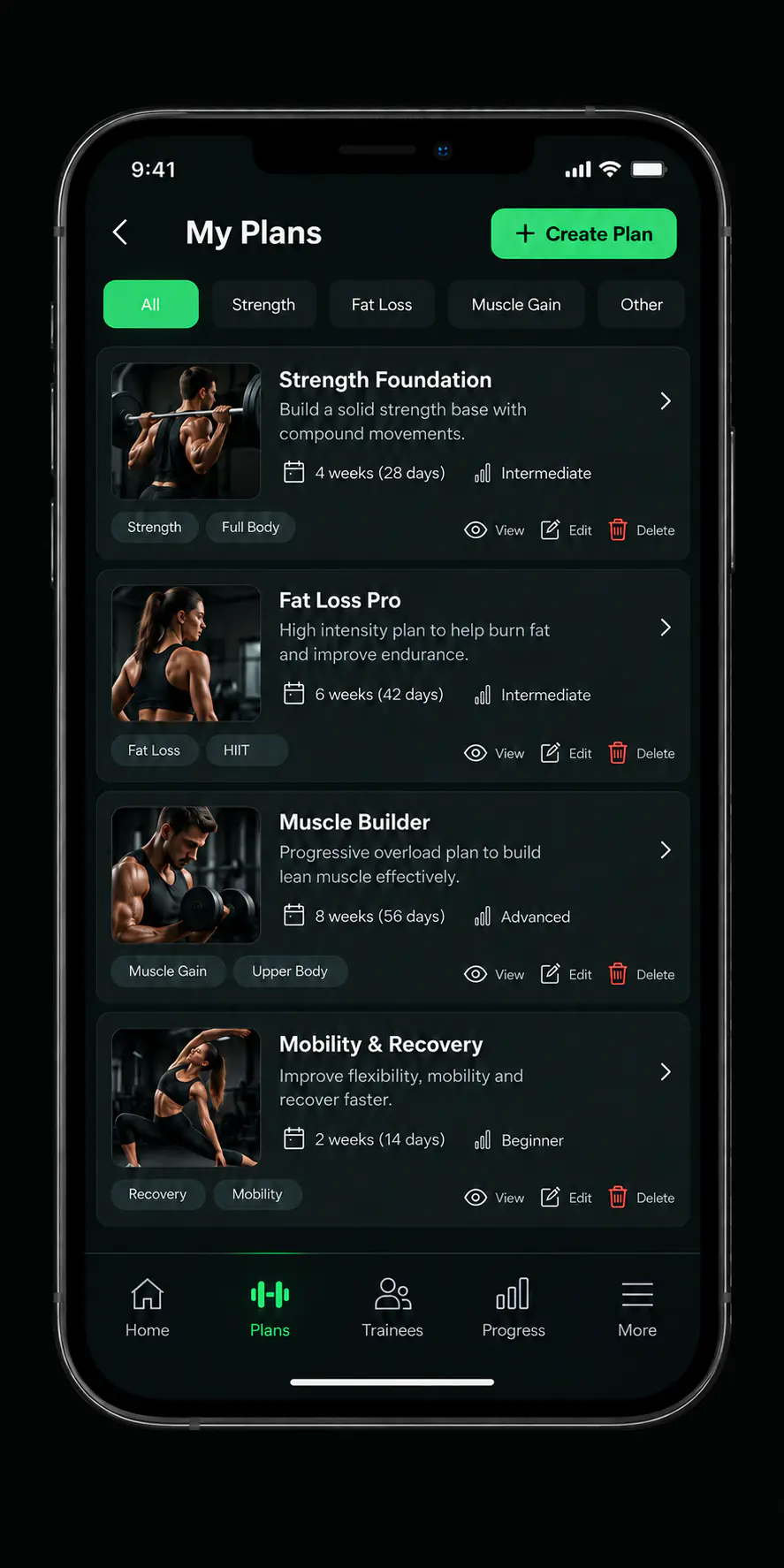
Conceptual interface derived from product design files, not a screenshot of the published build.
Three steps, all of them inside the app.
From your device's app store.
Your details, and how you present yourself to the people you take on.
Then build a plan and assign it. That is the whole loop, and it repeats from there.
The questions coaches ask before they download.
Coaches and personal trainers who are responsible for other people's training.
Everything on this site describes the coach side: your roster, your plan library, and the follow-up you run from it.
You assign it, and it is delivered from there. You are not re-sending it every week or pasting it into a message.
Yes, with English support. You choose the language inside the app, and this site is published in both.
Subscribing and managing a subscription both happen inside the app. The subscriptions page here explains the mechanism without publishing unapproved prices.

For coaches
Download the app, add your first client, and build the plan you will keep reusing.