
Getting started
From download to your first assigned plan
Setup happens inside the app. This page describes what you will see, so you know what is coming before you start rather than finding out halfway through.
Get the app
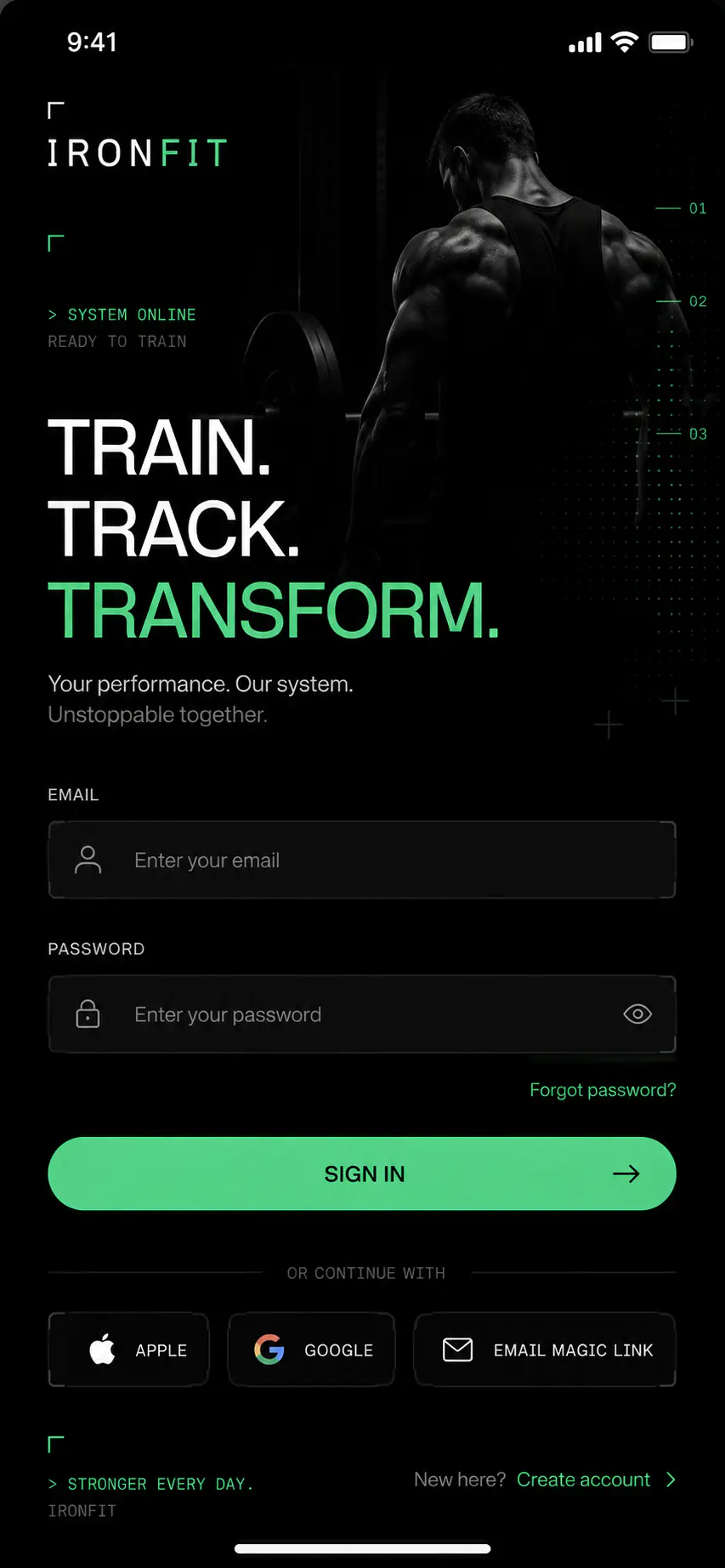
The four steps
None of them happen in a browser.
-
Download the app
From your device's store, once the official links are approved.
-
Create your coach profile
Your details, and how you present yourself to the people you take on.
-
Add a client and build a plan
You are setting up the list and the library you will work from for everything after this.
-
Assign it and start following
The plan is delivered, and completion starts collecting against it from there.
The three screens you will live in
Most of a coaching week happens in these.
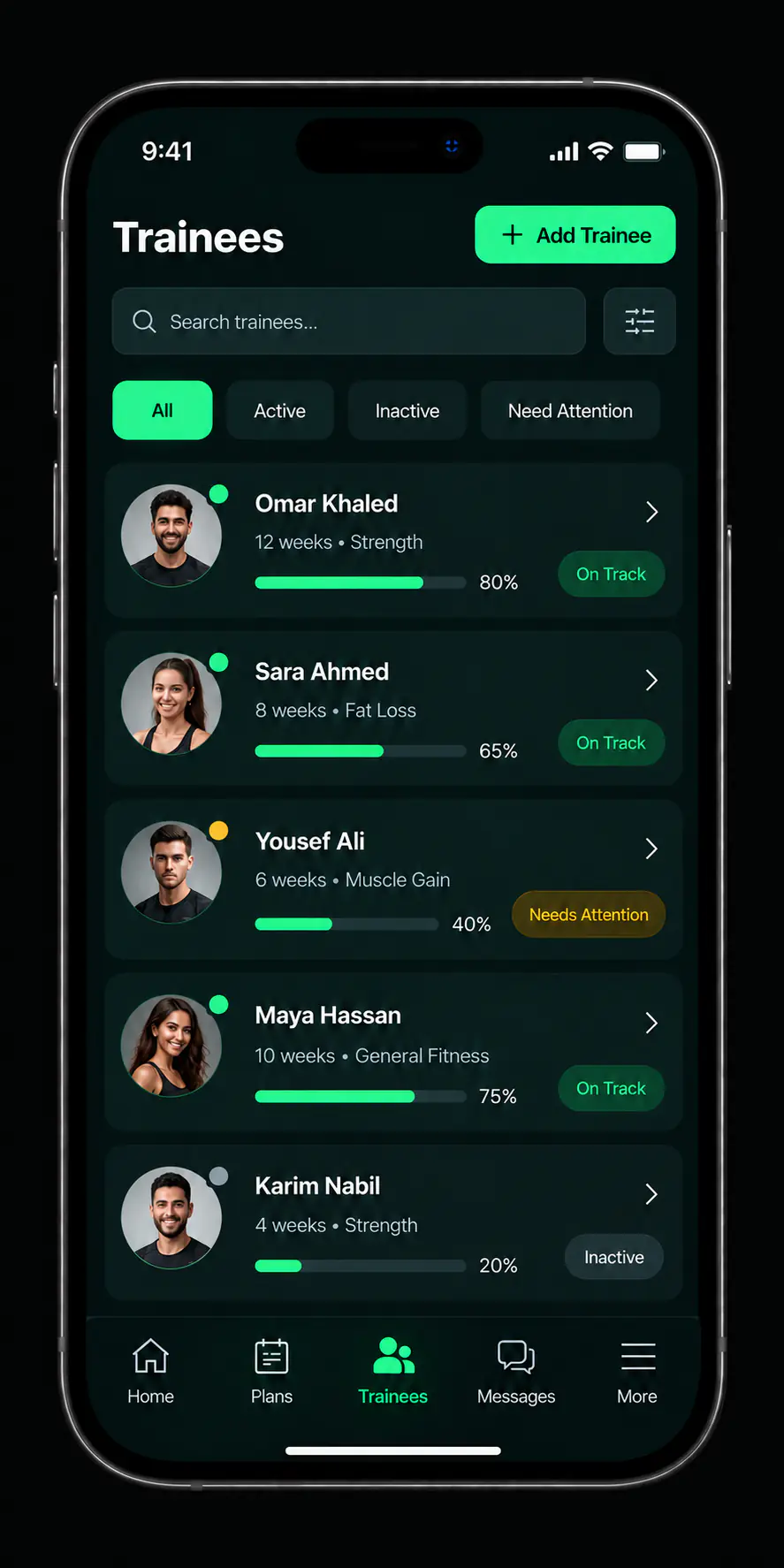
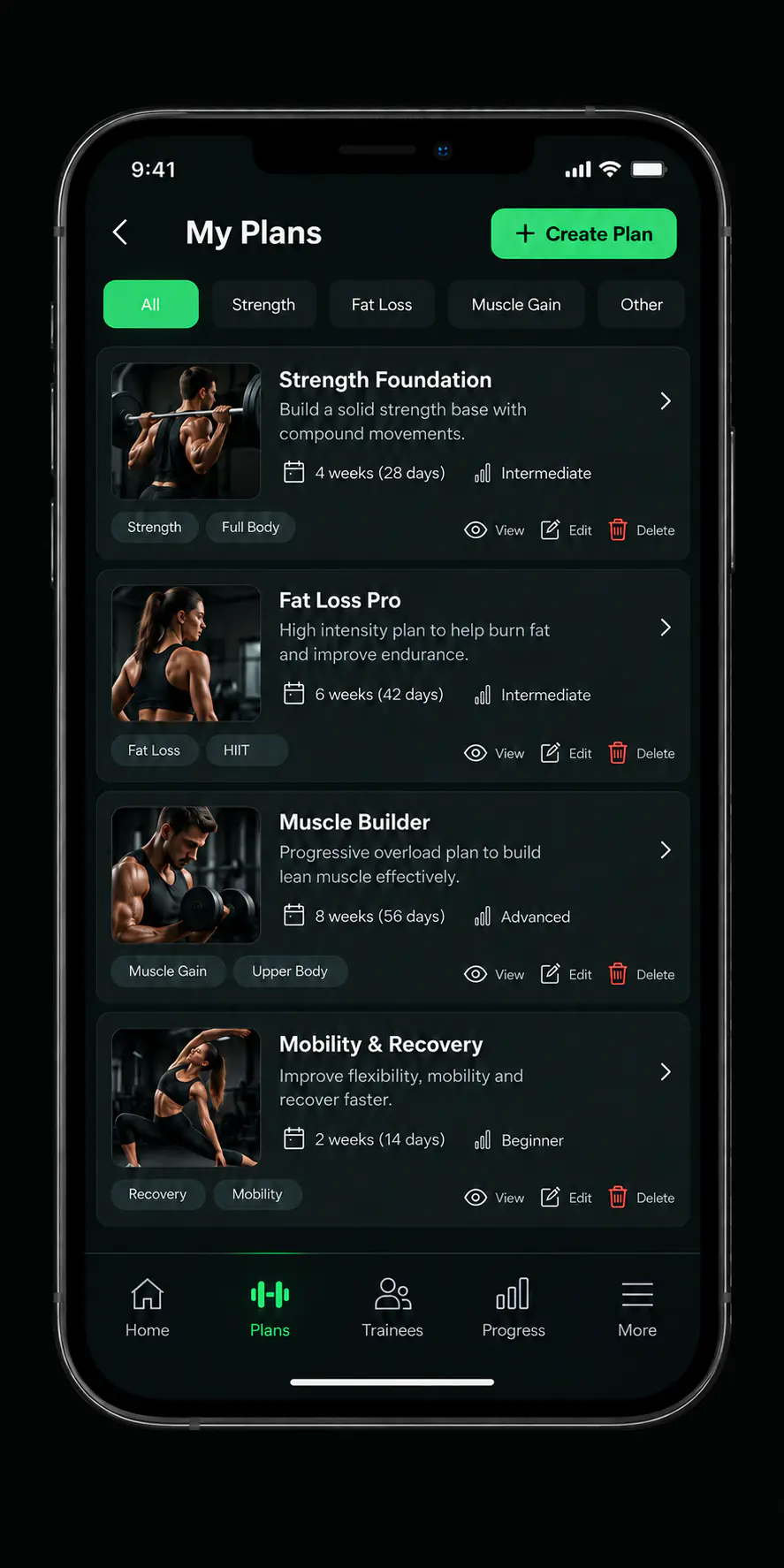
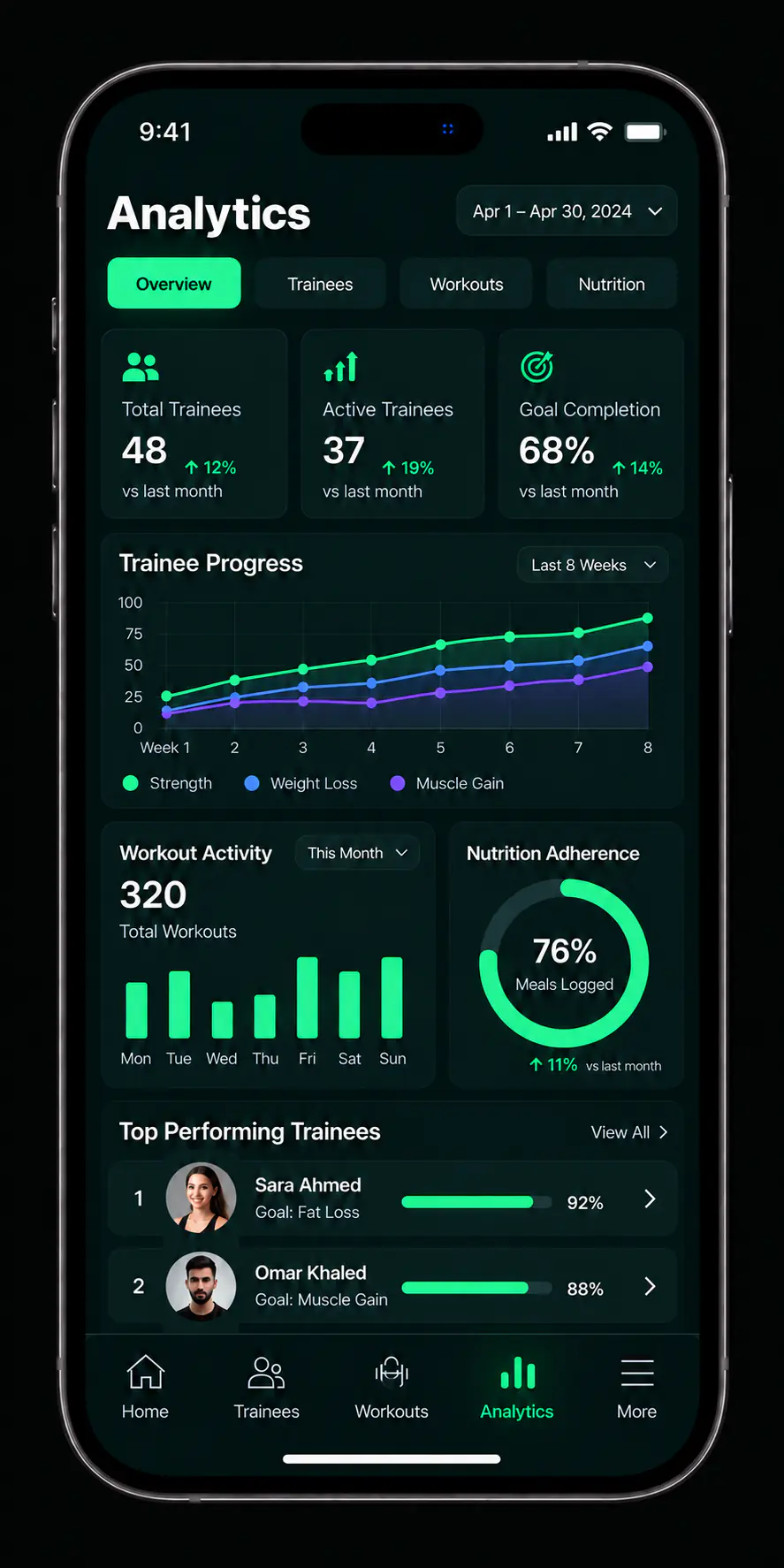
Conceptual interface derived from product design files, not a screenshot of the published build.
There is no account creation or sign-in on this website. Creating an account, completing your profile, and subscribing are all steps inside the app.
The sign-in screen appears here to explain the step, not to perform it in a browser.
Starting questions
What information does setup need?
Only what the app asks for during setup. This website never asks you for account details.
How long does setup take?
The steps are short, but it depends on how complete your information is. We do not publish a fixed figure.
What should I do first once I am in?
Build one plan you already know you reuse, then add one client and assign it. That exercises the whole loop in a few minutes and tells you whether the tool fits how you work.
Do I need clients ready before I start?
No. Plenty of coaches build their plan library first and add people afterwards.

The first step is downloading
The rest takes a few minutes inside the app.