
Download
Start with IronFit
Download the app, choose your role, and finish setup. Everything about your account, your plan, and your subscription happens inside the app.
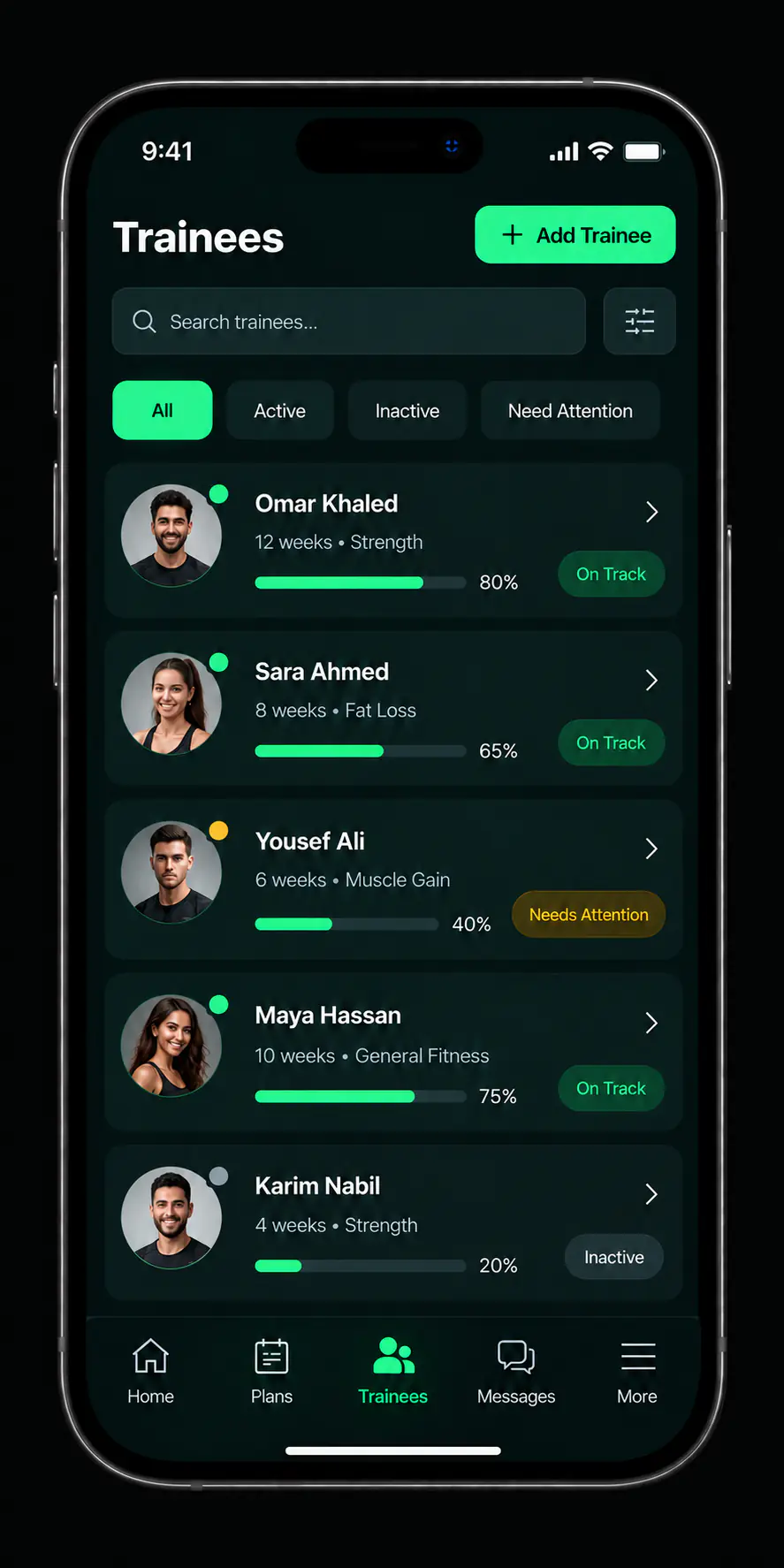
The stores
We show a store button only after the app is published there and its official link is approved.
After installing
Three short steps inside the app.
-
Create your account
With the details the app asks for at registration.
-
Choose your role
Your details, and how you present yourself to the people you take on.
-
Finish setup
Then add your first client and build the plan you will assign to them.
Languages and devices
The app supports Arabic and English, and you pick the language inside it.
- Arabic and EnglishThe interface supports both, switched from the app's settings.
- Published platforms onlyWe do not announce support for a platform before the app is actually published there.
- No browser sign-inThe account works inside the app. There is no web portal in this release.
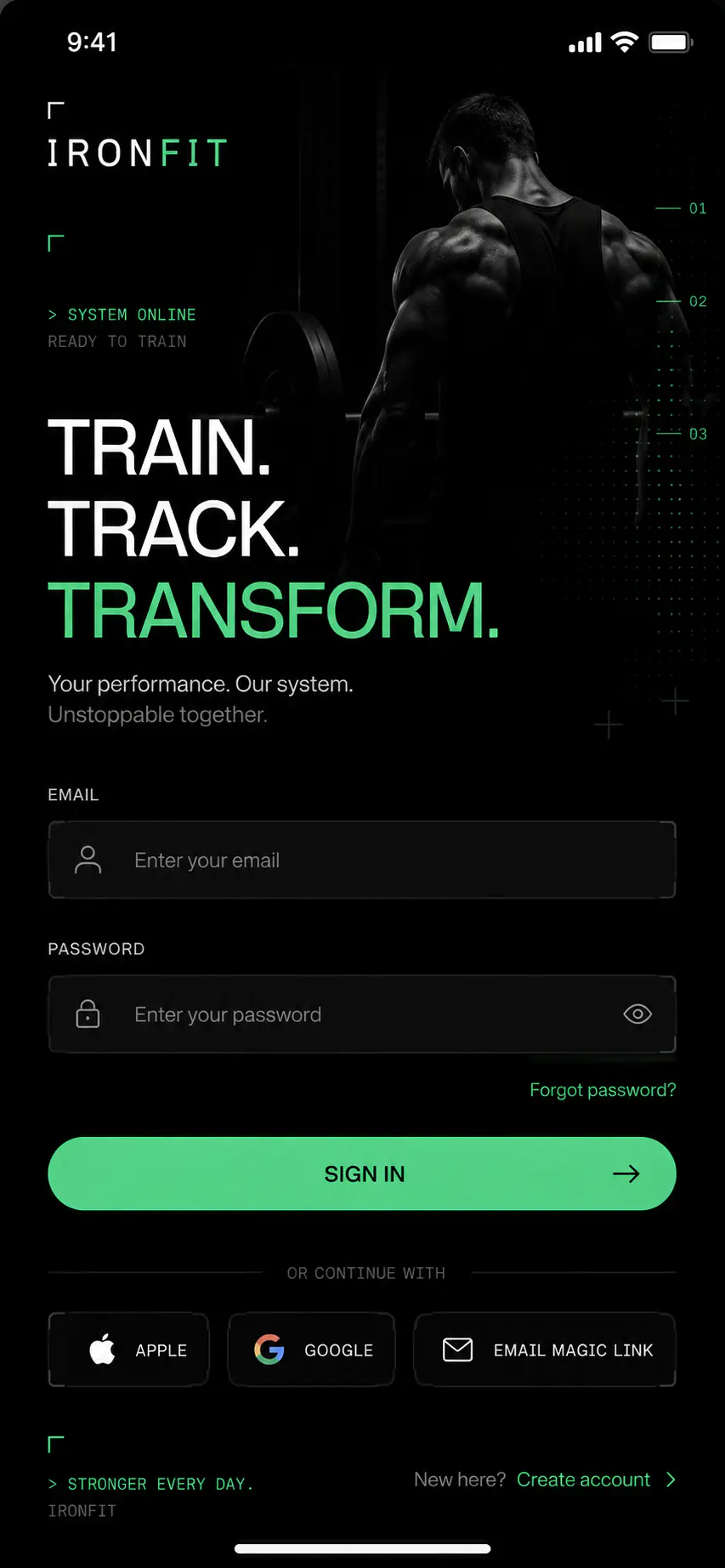
Conceptual interface derived from product design files, not a screenshot of the published build.
If downloading or installing gives you trouble, open the support page or send an enquiry and mention your device's operating system.
We do not distribute installation files outside the official stores.

The next step is in the app
After installing you will not need to come back here, except for questions and the legal pages.